 Loyal Receptionist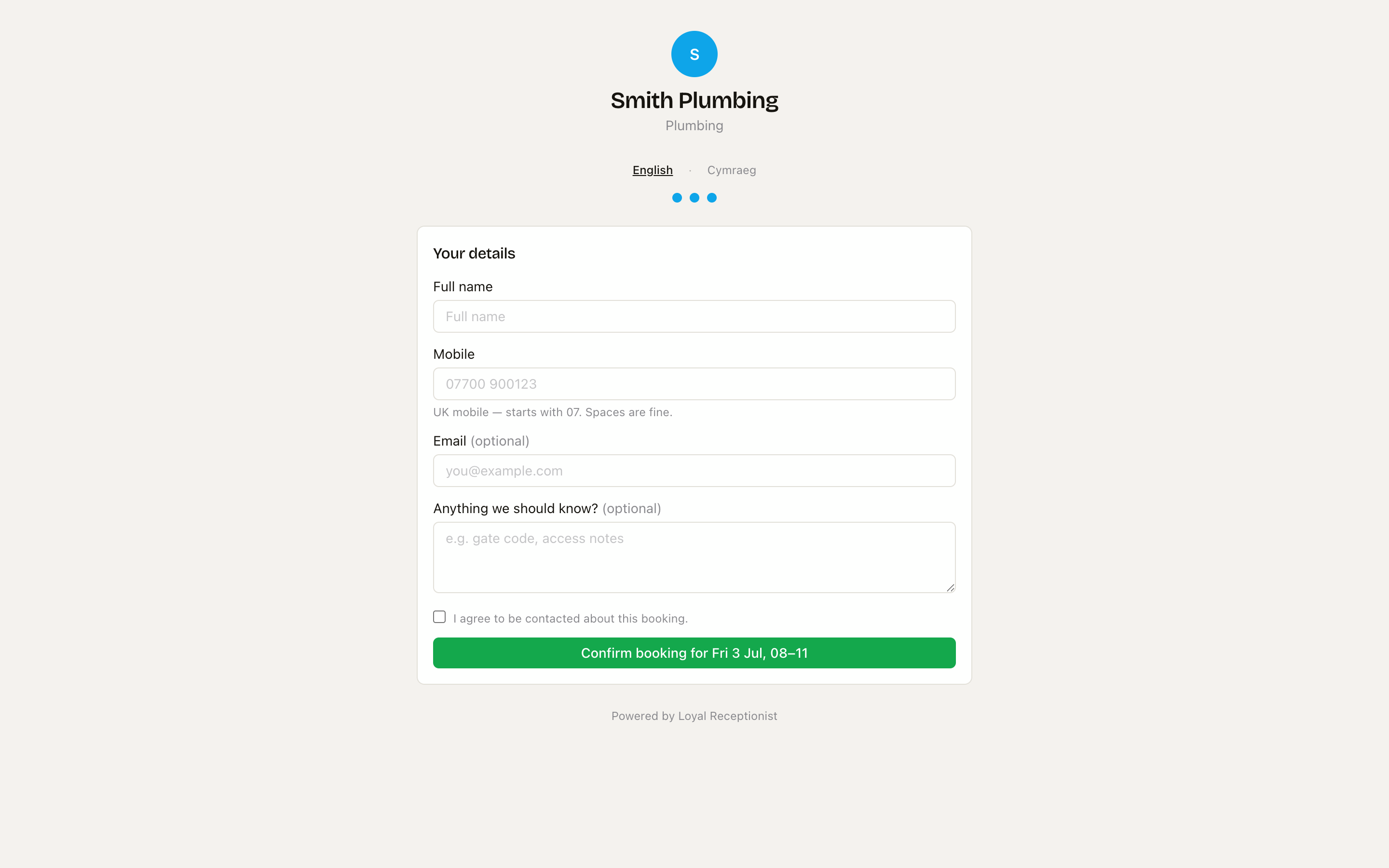
Arrival windows — how customers book you
Two kinds of business book time in two very different ways:
- You drive to the customer (plumbing, electrical, gardening, most trades) — a to-the-minute slot is a promise you can't keep once traffic and the job before overrun. An arrival window ("Friday morning") gives your crew room to route the day, and the on-the-way text does the narrowing.
- The customer comes to you (salon, law firm, estate-agent viewings) — an exact time is exactly right. A 2 p.m. cut is a 2 p.m. cut.
You don't have to think about which you are — we set it for you.
It's already set for your trade
When you sign up and pick your trade, "how customers book you" is pre-set from it:
- Come-to-us businesses (salon, law firm, estate agency) default to exact times.
- Everyone else — mobile trades, and any trade we can't classify — defaults to a Morning / Afternoon window.
So the first booking that lands is already framed the right way for your business. Change it any time — see below.
Change it in settings
/settings → Hours & emergencies → the How customers book you card.
| Choice | What the customer picks | Best for |
|---|---|---|
| Exact times | A specific slot, e.g. 2:00 p.m. | Come-to-us appointments (salon, clinic, viewings) |
| Morning / afternoon | One of two wide windows | Long jobs — the most resilient choice |
| Morning / afternoon / end of day | Three windows | Tighter for the customer — best for short call-outs |
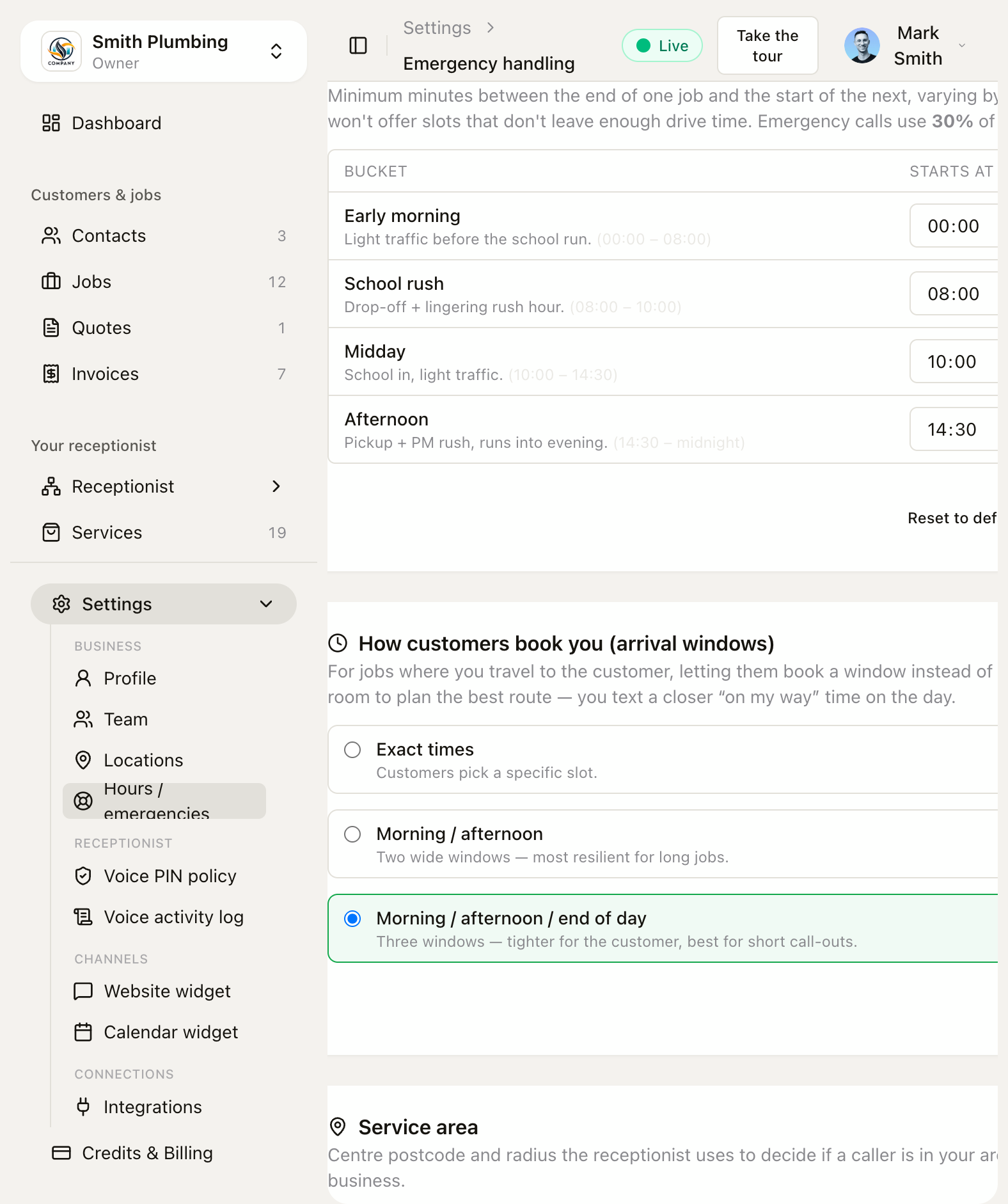 Settings → Hours & emergencies — pick exact times, two windows, or three.
The windows themselves are computed from your Opening hours on the same page — the bands split your open-to-close span, so a 8am–6pm day gives "Morning 8am–1pm / Afternoon 1pm–6pm". (A day too short to split sensibly falls back to exact times on its own.)
Save once and the next booking — on your booking page or on the phone — uses it.
What your customer sees
On your booking page they pick a day, then tap a window chip — the window name with its time range ("Morning", "9am–12pm") — instead of hunting for an exact slot, with a note that you'll text a closer time on the day. The confirm button reads back the window ("Confirm booking for Fri 4 Jul, 8–12").
On a call, your receptionist offers the window: "I can do Friday morning, or Friday afternoon — which suits?" — never a to-the-minute time.
Two exceptions always stay exact, whatever this setting says: come-to-us appointments at a venue (a 2 p.m. cut is a 2 p.m. cut) and emergencies ("with you in about an hour").
The window is a promise, not vagueness
Behind the scenes we still hold an exact target time inside the window — that's what your crew works to and re-orders freely as the day flexes. What keeps the window honest is the on-my-way text: when your crew taps "On my way" (or it fires automatically), the customer gets "…on the way, about 20 minutes." That's the tighter, day-of time — so a wide window never feels like being kept in the dark. Pair it with appointment reminders and the customer hears from you before the visit and on the day.
Related
- Public booking page — branding + sharing the link customers book through.
- Appointment reminders — the text before the visit, with one-tap confirm / reschedule.
- Smart dispatch — the crew app, geofences and the on-the-way text.
- Hours, emergencies & service area — the other Hours & emergencies settings.