 Loyal Receptionist
"Where is my car?" "Is the plumber on the way?" A customer should not have to ring to ask. Each visit now shows a line of steps, and each step lights up on its own when the thing really happens. Nobody sets a step by hand.
The steps for your business
Each kind of business has its own steps, in its own words:
| Business | Steps |
|---|---|
| Plumber, electrician, gardener and other trades that come to you | Booked, On the way, Arrived, Done, Paid |
| Locksmith | Booked, On the way, Arrived, Done |
| Garage | Booked, Checked in, Ready, Handed back |
| Salon, estate agent | No visit steps |
What lights each step:
- On the way: the on-my-way text went out.
- Arrived: the van reached the address, or the job was started.
- Checked in: the check-in was finished.
- Done or Ready: the job was marked done.
- Handed back: the hand-back was finished.
- Paid: an invoice on the job was paid.
A step nothing reached is passed quietly once a later one lights. A cancelled visit says Cancelled. An enquiry with no date has no steps yet.
While a quote is out and not yet accepted, you see the quote's steps instead, so there is only ever one line.
Where you see it
On the desk job sheet, under Visit:
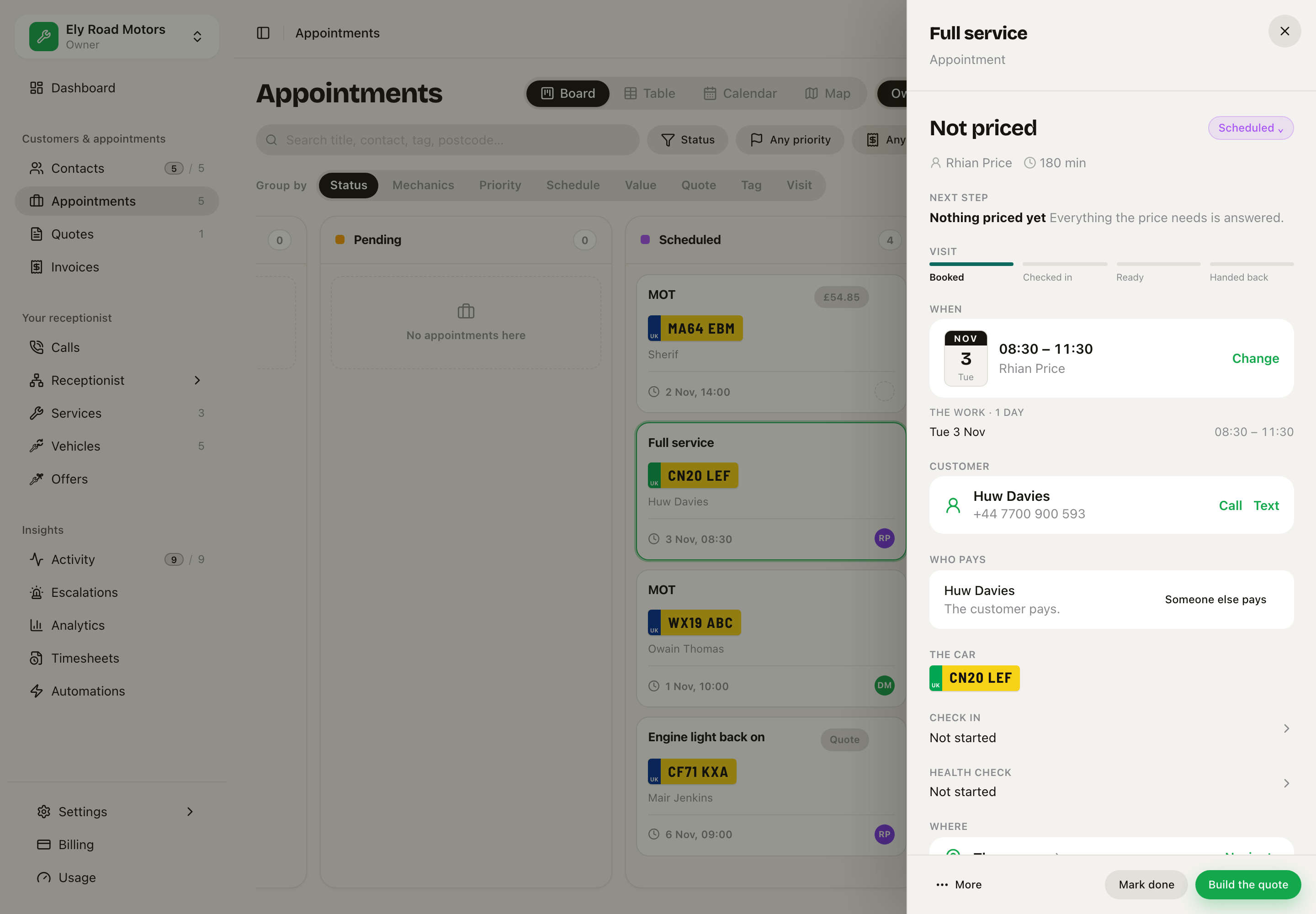 Full service on the Red Leaf: Booked, then Checked in, Ready, Handed back.
On the phone job screen, at the top:
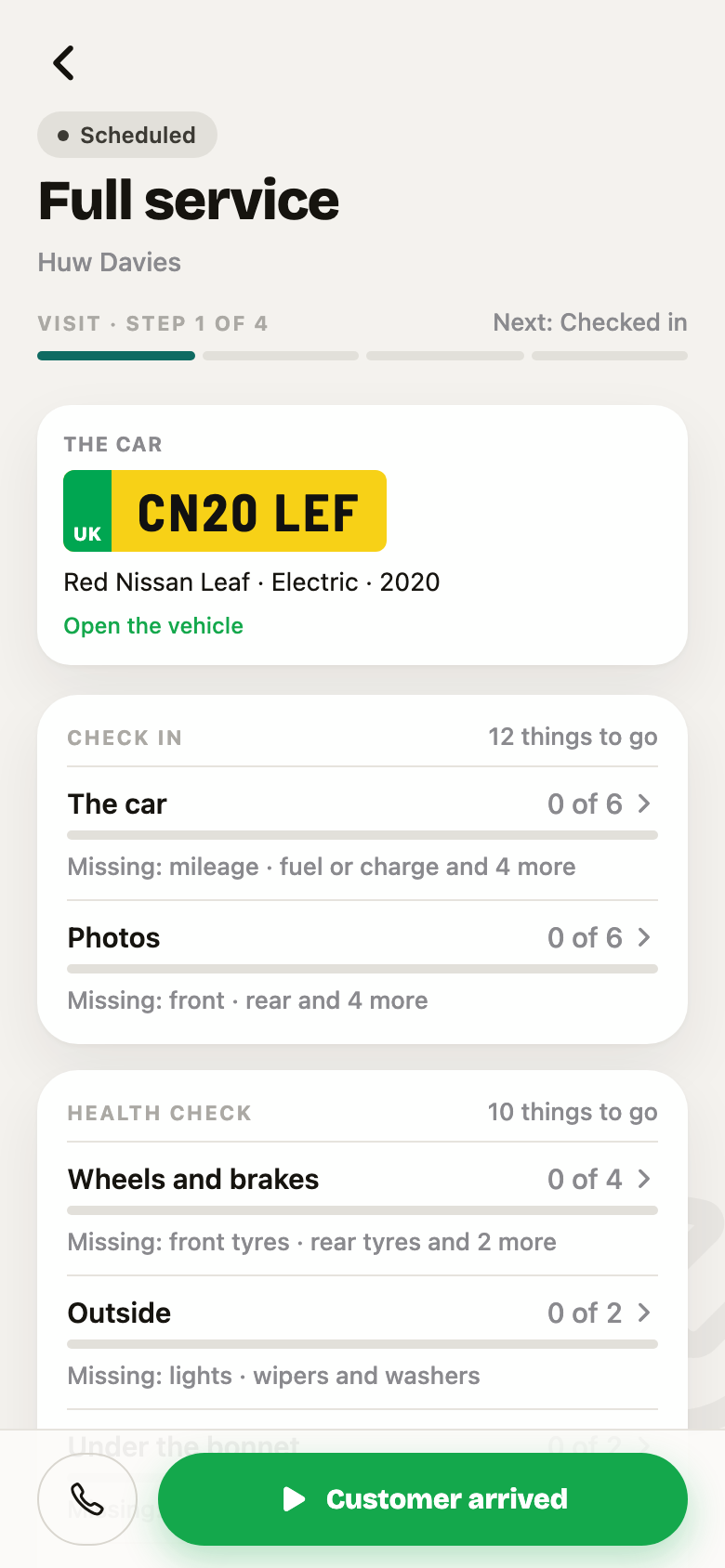 Visit, step 1 of 4, next: Checked in.
And on the customer's job link, as Where it is up to:
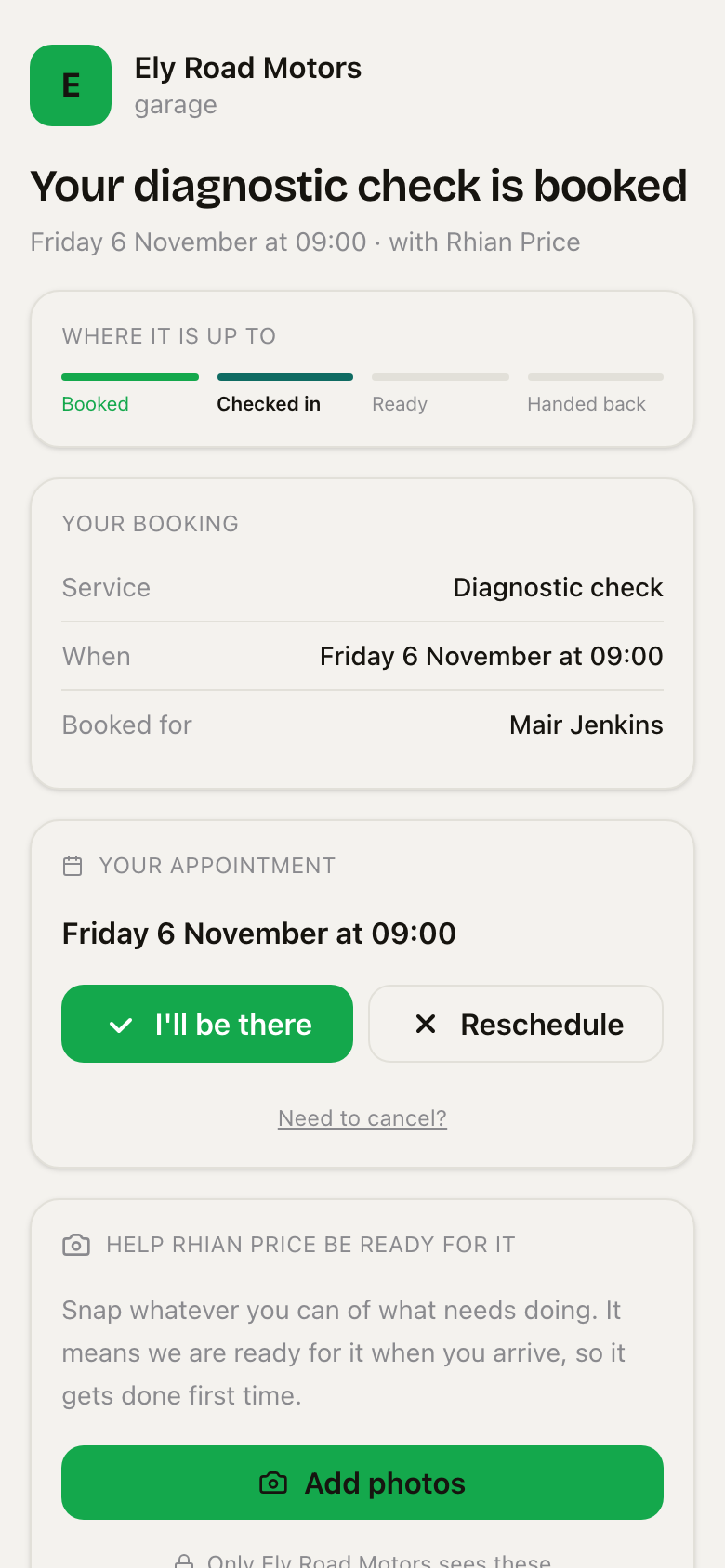 The customer sees the car is checked in, without ringing.
Your own services can have their own steps, one step for each piece of the work, and steps from a book in the Library. On the phone only the current step is open. On the jobs board, a job under way says Now: and the last step it reached. See Pieces and plans and The Library.
Related: Checks and findings.