 Loyal Receptionist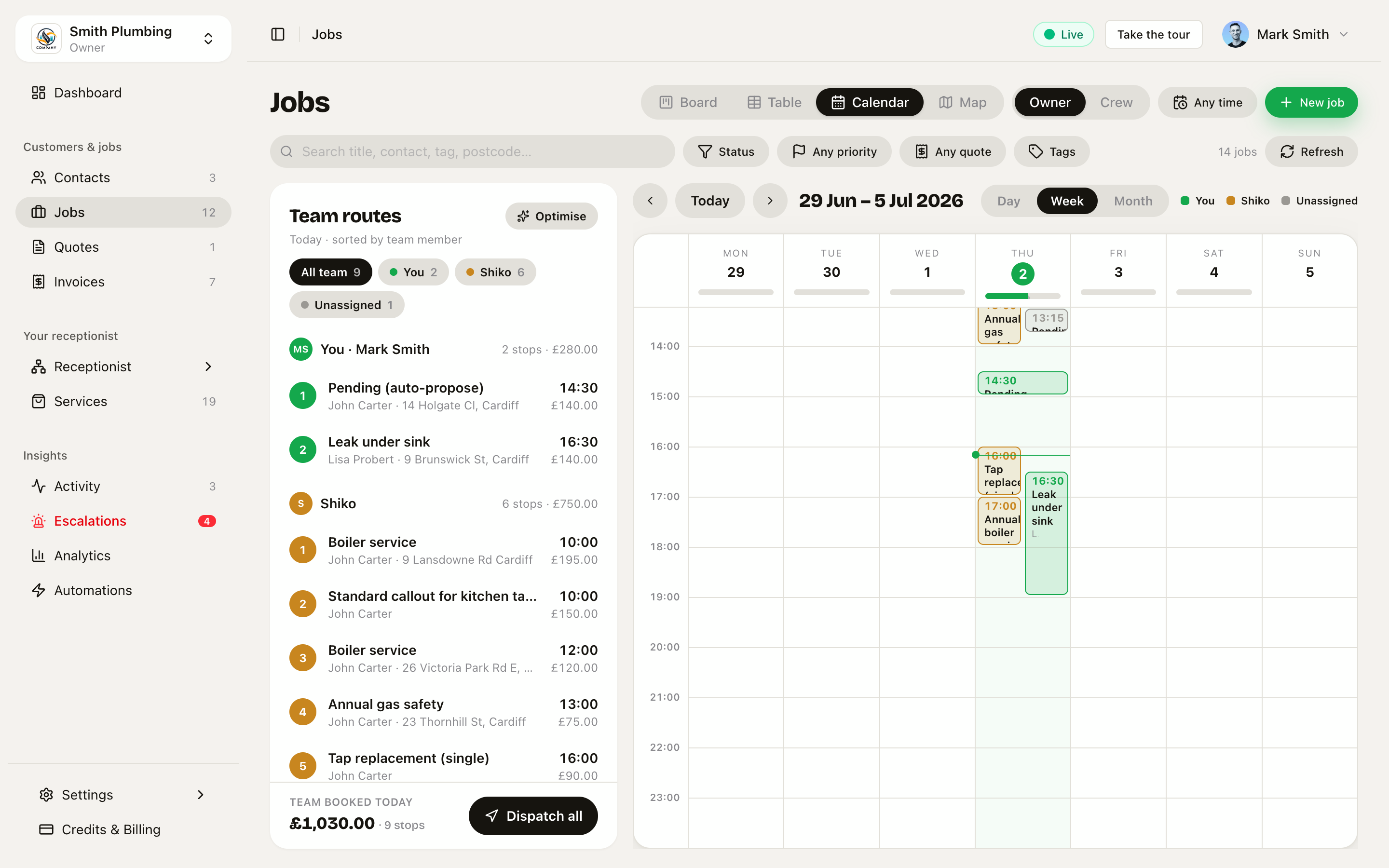
Site visits
Some jobs you can price on the phone. Some you have to go and look at.
Before, those two looked identical once they were in the diary. A survey ate a whole day, the crew turned up with the wrong van, and Sarah could not book one at all — she took a message and somebody had to ring back.
Sarah books the look
When a caller asks about work you price after a look, Sarah gives your range, says the firm price comes after the visit, and books the visit there and then.
She only takes a callback if they will not commit to a time, nothing suitable is free, or they say they are getting a few quotes.
That last one matters. Ending a call with "someone will ring you back to arrange a site visit" is a second phone call you have to make, and a chance for the customer to ring somebody else in the meantime.
A look is half an hour
Set it per service on Services → How long the look takes. Thirty minutes unless you change it.
It does not get longer for a bigger job. Measuring 18m² is no slower than measuring 12m², which is the whole difference between measuring a job and doing it.
Before this, booking a look at an eight-hour job blocked eight hours. Your booking page offered one slot a day. Now it offers sixteen — and two looks fit in one morning.
Whoever is closest goes
A half-hour stop is mostly drive time, so a site visit is given to the nearest free person rather than whoever is next in the rota. The work still goes to the right skills.
Everyone can see which one it is
A Site visit chip sits on the card — on the board, in the list, on the calendar and on the crew's phone — next to how long it is.
The work shows Day 1 of 3 when it runs over several days.
That is the bit that saves a wasted drive. A look needs a tape and a camera. The work needs a loaded van.
If it is wrong
Open the job, The work, and there is a line: This visit is [Site visit | On site]. Sarah sets it from the service and she is occasionally wrong — the caller said patio and meant a repair.
Finding them
On the board, Group by → Site splits everything into Site visit, On site and Nothing booked. That is the quick answer to "what am I going out to look at this week?"
A job with more than one visit
A three-day job is three blocks in the calendar, not one. Drag any of them on its own. Two people on the same job is two blocks, and both count against that day's capacity.
Moving the first block moves the job's date. Moving day 2 leaves everything else where it was.
Charging for the look
Some trades charge for a survey, most do not. Both are fine.
On Services, under What the look costs:
- Leave it empty — the visit is free.
- Put a figure in — Sarah says the charge when she books it, so nobody meets it first on an invoice.
- Tick Take it off the price if they go ahead — the fee comes off the final invoice as a credit line.
Charging for the look and keeping it when you win the work is the version customers complain about, so the tick is on by default.
Bill it from the job: Money → Visit fee → Bill it. It raises an ordinary invoice with a pay link, like anything else.
An unpaid fee credits nothing. If they ignore the survey invoice, they do not get the money off the work.
Where the job sits while all this happens
A booked survey is Scheduled — there is a date, so it is in the diary like anything else.
Then it moves as you would expect:
| Survey booked Thursday | Scheduled |
| Survey done, quote sent | Quoted |
| Customer accepts | Accepted |
| Work booked in | Scheduled |
It goes back to Quoted after the survey, which looks like it is moving backwards. It is not — after the visit there genuinely is no date in the diary until you book the work.
The one thing that still blocks you
You cannot send a quote while the job is marked as needing a look. Save a draft all you like; the send waits until you tap I have looked on the job.
That is deliberate. It is the gate that stops a price going out on a job nobody has seen.